Collapsing Divs
Mod Version: 1.00, by ViciousCode
| vB Version: 3.8.4 | Rating:  (1 vote - 5.00 average) (1 vote - 5.00 average) |
Installs: 6 |
| Released: 21 Nov 2009 | Last Update: Never | Downloads: 43 |
 Not Supported Not Supported
 Re-usable Code
Translations Re-usable Code
Translations
|
||
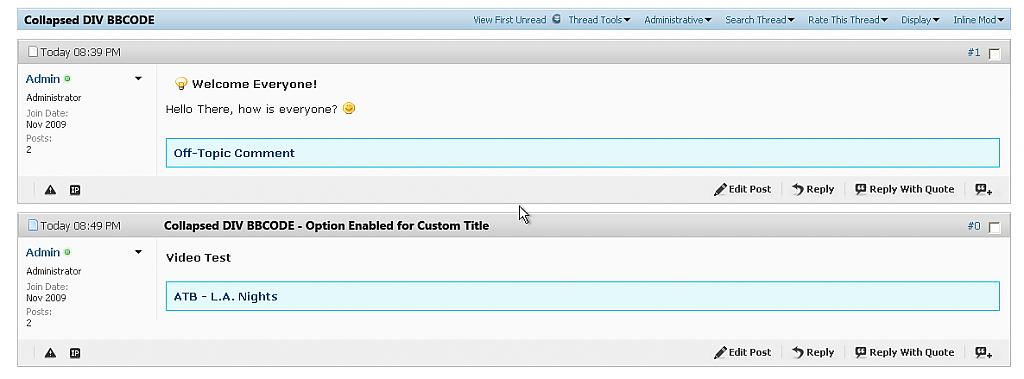
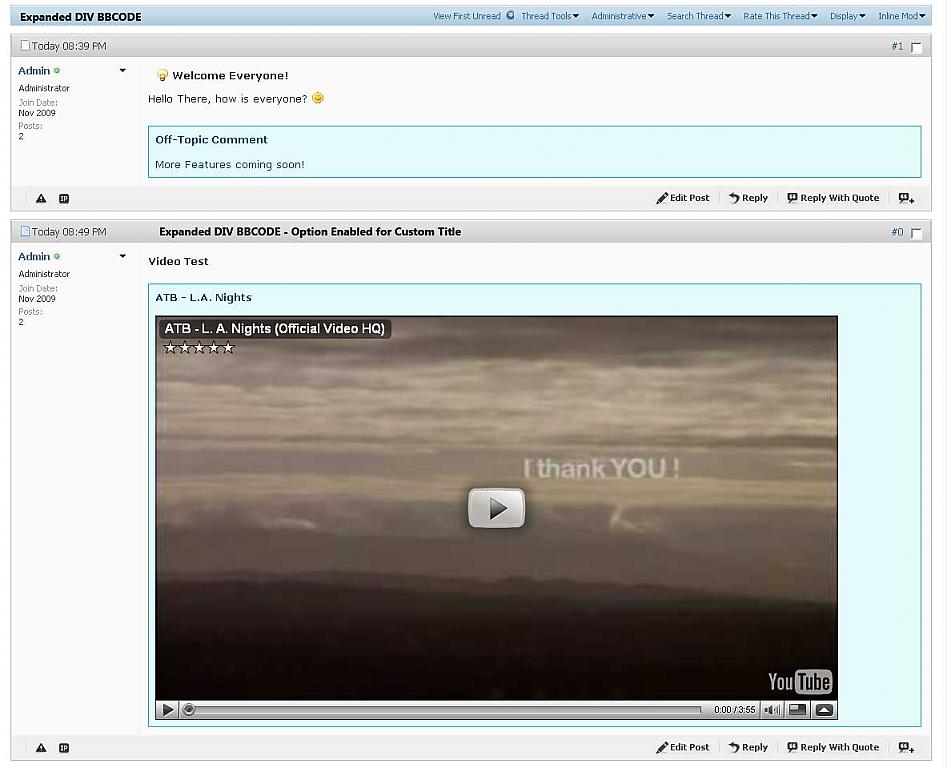
This mod is like a show/hide spoiler bbcode, but more features, has the ability to show/hide anything you want, with nice fade effects
Step 1. Upload the .js files from the archive to your forum clientscript folder
Step 2. Edit Your Style
This can go into the Main CSS of the style, or inside headerinclude template
this goes inside the header include template (make sure to replace forum-url with your forum address!
Step 3.
create a new bbcode, and open BBCODE.txt, copy the code inside and paste it inside in the replacement box
if you want a special title for the box, enable the option field,
copy the code below and paste it inside the replacement box
Step 1. Upload the .js files from the archive to your forum clientscript folder
Step 2. Edit Your Style
This can go into the Main CSS of the style, or inside headerinclude template
Code:
<style>
.offtopicComment
{
	cursor: pointer;
	margin: 10px 0 0 0px;
	background-color: #fff8fb;
	border: #ffc0db 1px solid;
	border-left: #ffc0db 1px solid;
	color: #000000;
	padding: 8px;
}
.offtopicText
{
	margin: 15px 0 0 0;
	width: 100%;
	color: #c71c65;
	background-color: #fff8fb;
}
.offtTitle
{
	margin: 15px 0 0 0;
	width: 100%;
	color: #c71c65;
	background-color: #fff8fb;
}
.OffTopicC
{
	cursor: pointer;
	margin: 10px 0 0 0px;
	background: #E4F9FC;
	border: #1DC2E0 1px solid;
	border-left: #1DC2E0 1px solid;
	color: #0F577D;
	width: 98%;
	padding: 8px;
}
.OffTopicText
{
	margin: 15px 0 0 0;
}
</style>
Code:
<script type="text/javascript" src="forum-url/clientscript/bbcode.js"></script>
<script type="text/javascript" src="forum-url/clientscript/effect_class.js"></script>
create a new bbcode, and open BBCODE.txt, copy the code inside and paste it inside in the replacement box
Code:
<div onclick="showOfftopic(this, 'Off-Topic Comment')" class="OffTopicC">
<span style="font-weight: bold;" id="offtTitle">Off-Topic Comment</span>
<div id="cLayer" style="display: none;" class="OffTopicText">{param}</div></div>
copy the code below and paste it inside the replacement box
Code:
<div onclick="showOfftopic(this, '{option}')" class="OffTopicC">
<span style="font-weight: bold;" id="offtTitle">{option}</span>
<div id="cLayer" style="display: none;" class="OffTopicText">{param}</div></div>
Download
 Div-BBCode.zip (6.6 KB, 46 downloads)
Screenshots